

What Is OpenClaw? The Self-Hosted AI Agent Explained
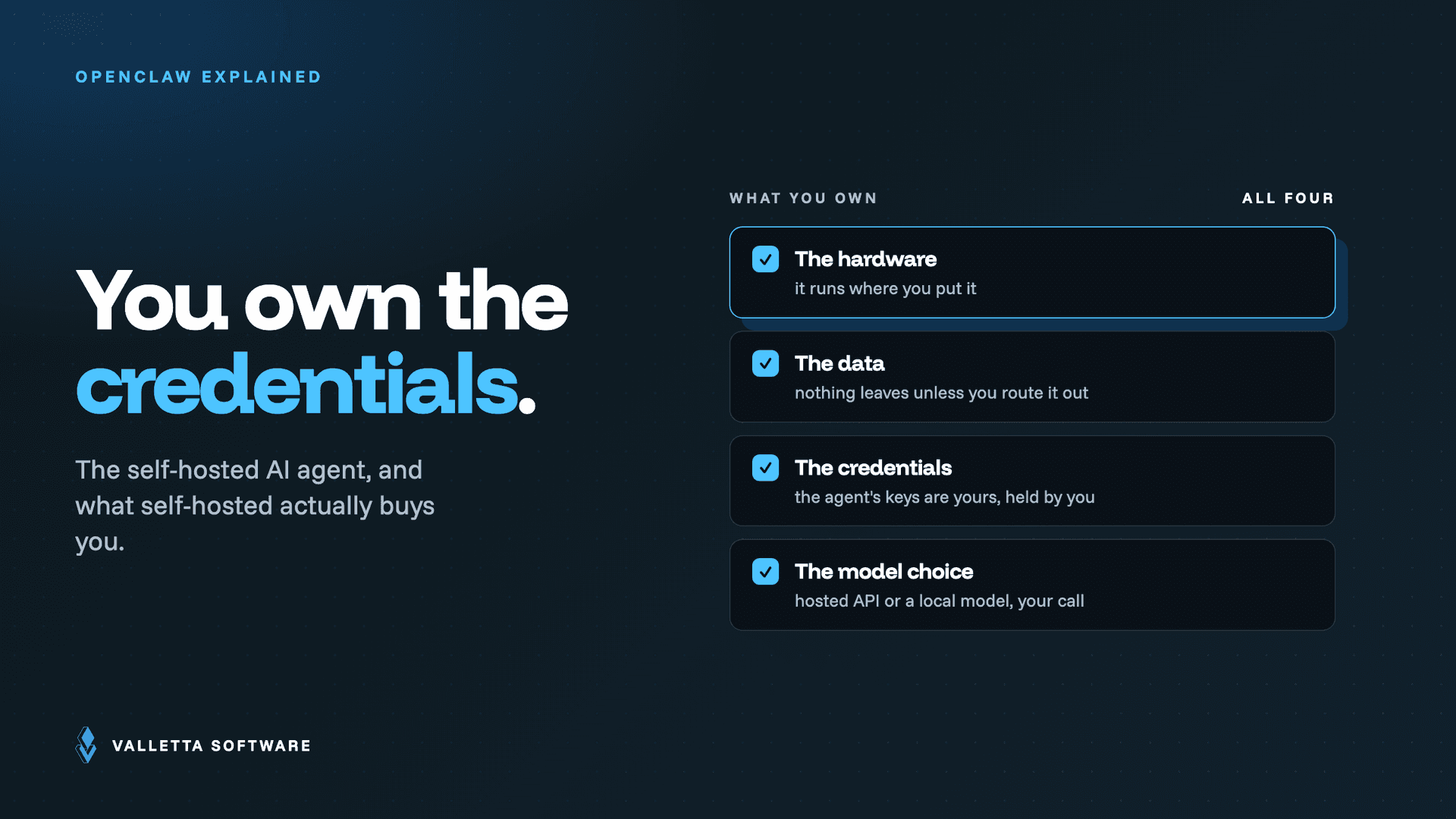

What is OpenClaw? OpenClaw is an open-source, self-hosted AI agent that runs on hardware you control and connects to the messaging apps you already use, such as WhatsApp, Telegram, Slack, and Discord. Instead of living in a browser tab like a chatbot, it runs as an always-on service that receives your messages, reasons about them, chooses tools, and takes actions on your behalf. It is free, MIT-licensed, and designed so your data and credentials stay on your own machine.
Key takeaways
- OpenClaw is a free, open-source AI agent you host yourself, not a cloud chatbot. You own the hardware, the data, and the credentials.
- It connects large language models (from Anthropic, OpenAI, or local models) to real tools and 50+ messaging channels through a local-first Gateway.
- The software is free; your running costs are model API tokens and the machine it runs on, so budgeting matters more than licensing.
- It is powerful because it can take actions on your systems, which is exactly why security and least-privilege setup are not optional.
What OpenClaw is, and what it is not
OpenClaw is an agent runtime: a long-running program that listens for requests, calls a language model to decide what to do, and then executes real actions like sending a message, running a script, updating a calendar, or automating a workflow. It was created by Austrian developer Peter Steinberger (founder of PSPDFKit), launched in late 2025, and went viral in early 2026. It is released under the permissive MIT license and self-hosted, which means you run it on your own laptop, Mac mini, home server, or VPS rather than on someone else's cloud.
What OpenClaw is not is just as important. It is not a hosted SaaS product, so there is no company holding your keys or reading your messages. It is not a browser chatbot that forgets everything when you close the tab. And it is not a passive assistant: because it has system-level access and can act autonomously, treating it like a harmless chat window is the single most common mistake teams make. It is closer to a junior operator with the keys to your tools than to a search box.
The project grew fast for a reason. It went from launch to more than 196,000 GitHub stars in a matter of months, partly on viral momentum and partly because it connects to tools people genuinely use every day. For teams evaluating it, that popularity cuts both ways: you get a large contributor base, frequent updates, and plenty of integrations, but a popular ecosystem also attracts attackers, which is why the sections below on safety and setup matter as much as the feature list.
How OpenClaw works, in plain terms
Under the hood OpenClaw is organized as a small stack of layers, each with one job. You do not need to memorize them to use the tool, but knowing the shape helps you reason about what it can and cannot do:
- Gateway: the always-on control plane that routes messages, manages sessions, and dispatches tools. It is the security boundary of the whole system.
- Channels: the messaging integrations (WhatsApp, Telegram, Slack, Discord, Signal, iMessage, and more) that carry requests in and responses out.
- Model: the language model that does the reasoning, whether a hosted API like Anthropic or OpenAI, or a local model on your own machine.
- Skills and tools: the capabilities the agent can call, from built-in tools to add-on skills that extend what it can do.
- Memory and automations: persistent context plus scheduled or event-driven jobs that let the agent act without you prompting it every time.
A request flows in through a channel, the Gateway routes it to an agent session, the model decides what to do, tools or skills run, and the answer goes back out through the same channel. For a deeper walkthrough of each layer and how data moves between them, see our breakdown of the OpenClaw architecture.
What people use OpenClaw for
The appeal is that OpenClaw connects to tools people already use, so the automation lands where work actually happens. Common uses include:
- Personal assistant over chat: message the agent on WhatsApp or Telegram to draft replies, summarize threads, or look things up, from any device.
- Workflow automation: connect email, calendars, GitHub, Notion, and Trello so routine multi-step tasks run from one conversational interface.
- Team and business operations: triage inbound requests in Slack or Microsoft Teams, run scripts, and kick off repeatable jobs on a schedule.
- Privacy-sensitive automation: teams with compliance constraints keep data and credentials on their own hardware instead of a third-party cloud.
Because the software is free and the model does the heavy lifting, the practical limit is usually not capability but cost discipline: every task spends model tokens. If you plan to run agents continuously, read our guide to what OpenClaw costs to run before you scale up.
Is OpenClaw safe, and what to know before running it
OpenClaw can be run safely, but safety is your responsibility, not a default you inherit. Two realities drive every hardening decision. First, the agent has real access: credentials are stored locally, and by default the Gateway can bind to all network interfaces, so an unsecured install is exposed. Second, the biggest risk is not the core software but the third-party skill marketplace, ClawHub, where security researchers have found hundreds of malicious skills ranging from credential stealers to prompt-injection payloads.
The practical baseline is straightforward: bind the Gateway to loopback and reach it over a VPN or SSH tunnel, give every integration least-privilege credentials, and treat every skill as unreviewed code until you have read it. We cover the full checklist, including skill allowlisting and approval gates, in our OpenClaw security best practices guide. The rule of thumb: the more the agent can touch, the more carefully you scope what it is allowed to do.
How to get started with OpenClaw
Getting started takes minutes on a single machine. You need Node 22 or newer, an API key from a model provider, and a channel to talk to the agent through. The official install script and CLI onboarding wizard handle the rest, and the source, releases, and documentation all live on the official project home at github.com/openclaw/openclaw and docs.openclaw.ai.
For a guided path, our OpenClaw setup guide walks through architecture, install commands, and a hardened checklist, and our step-by-step install guide covers Mac mini, Docker, and VPS deployments with the exact commands and common fixes. Start on a laptop or Mac mini to learn the tool, then move to Docker or a VPS once you know what you want to run in production.
Frequently asked questions
Is OpenClaw free?
Yes. OpenClaw is open source under the MIT license, so the software itself costs nothing and you can self-host it without a subscription. Your real costs are the model API tokens the agent spends and the machine or VPS you run it on.
Does OpenClaw need its own hardware?
No dedicated hardware is required. Because the model does the heavy computation, OpenClaw runs comfortably on modest machines, roughly 4 GB of RAM and 2 CPU cores, which fits a laptop, a Mac mini, a home server, or a small VPS. A GPU is only relevant if you run models locally rather than through an API.
Is OpenClaw the same as Clawdbot?
Yes. OpenClaw is the current name of the project that was originally called Clawdbot and briefly Moltbot. It was renamed twice in early 2026 after Anthropic raised a trademark concern over the lobster-themed name, and the software is the same self-hosted agent throughout.
Can OpenClaw run local models?
Yes. OpenClaw is model-agnostic. It works with hosted APIs such as Anthropic and OpenAI, and it can also connect to local models running on your own machine. Running local models keeps inference fully on your hardware, but it raises your RAM and, in most cases, GPU requirements substantially.
Rolling OpenClaw out for a team and want it hardened from day one? Our engineers deliver production-ready, secured deployments with cost controls in place. See our done-for-you OpenClaw setup services.