

OpenClaw GitHub Repository: A Guided Tour for Evaluators
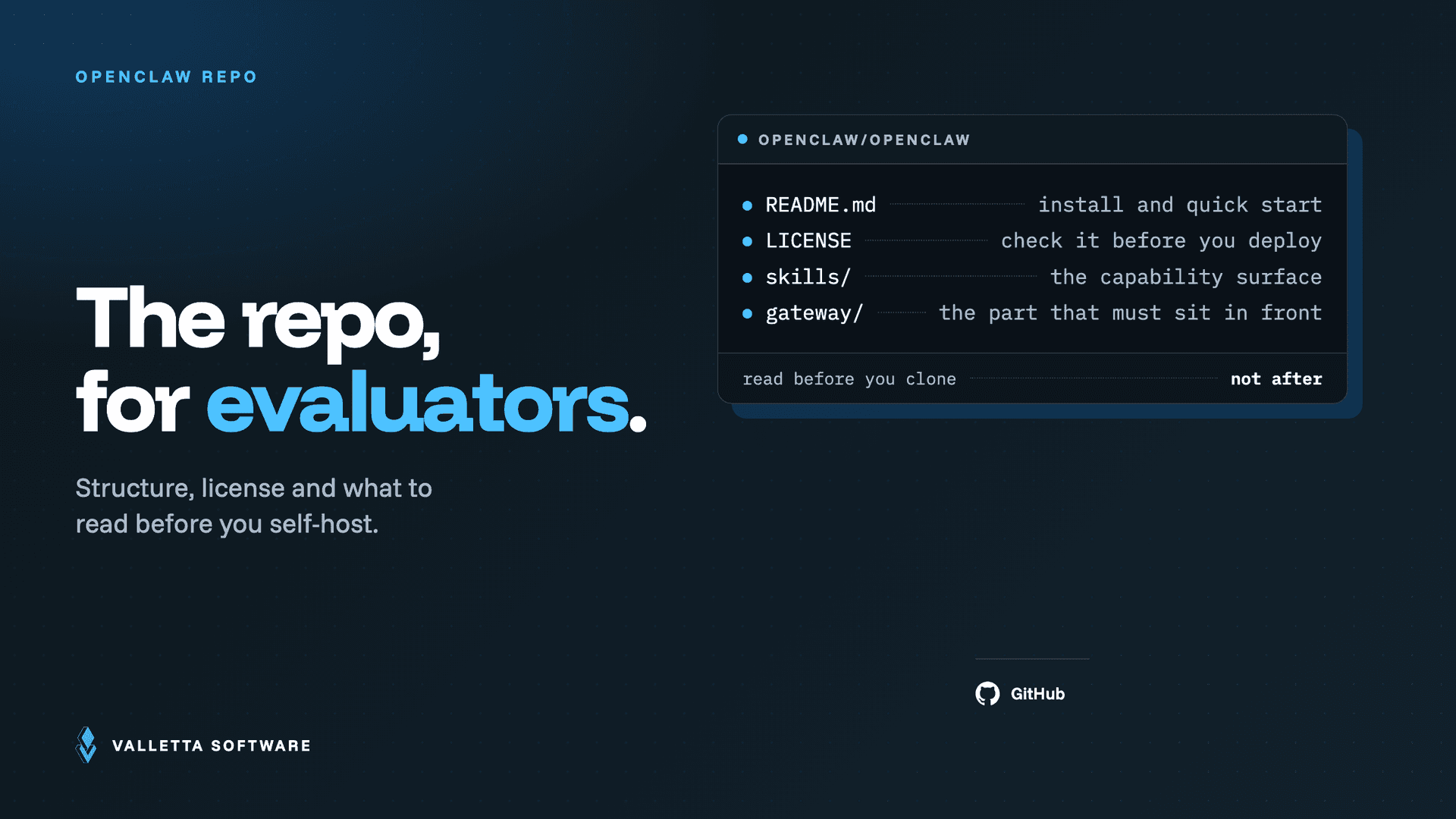

The OpenClaw GitHub repository is the official home of the project, and it lives at github.com/openclaw/openclaw. This guide is the orientation layer the README does not give you: what each part of the repository is for, how to judge the code before you trust it on your own hardware, and where to go once you decide to self-host. OpenClaw is an open-source, self-hosted AI agent, and the code you clone from GitHub is the same code that runs your gateway, so an hour spent reading it well pays off before you expose an autonomous agent to your messaging channels and API keys.
Key takeaways
- The official repository is github.com/openclaw/openclaw, published under the permissive MIT license.
- The README points you at install and quick start. This page adds the evaluation layer: structure, code review, and supply-chain risk.
- Before self-hosting, check four things: commit activity, open issues, the documented security model, and where skills come from.
- Skills are executable code pulled from ClawHub, a community registry. Treat every third-party skill as untrusted until reviewed.
What is in the OpenClaw repository
The repository is a monorepo, so most of what you need sits in a handful of top-level directories. Knowing the map before you clone saves you from guessing.
src/andpackages/: the agent runtime and the gateway, the network-facing control plane that manages sessions, channels, tools, and events. This is the code that actually runs on your machine.docs/: the documentation set, organized by goal. The published version is easier to read at docs.openclaw.ai.skills/and.agents/skills: the bundled skills and agent definitions. Skills are the units that let the agent take real actions.apps/: optional companion nodes for macOS, iOS, and Android. You do not need these to run a headless gateway.deploy/,Dockerfile,docker-compose.yml: the containerized path for reproducible, portable deployments.config/: configuration scaffolding for the gateway, channels, and model providers.
Read the files in this order. Start with README.md for the install command, the quick start, and the security model. Open AGENTS.md to understand how agents are described. Then browse docs/ for the specific goal you have, whether that is channels, skills, or model configuration. The LICENSE file confirms MIT, which matters if you plan to build on OpenClaw commercially.
How to evaluate the codebase before you self-host
OpenClaw is not a passive library. It is an always-on agent that reads from your messaging apps, chooses tools, and executes actions such as running scripts and sending messages. That autonomy is the point, and it is also the reason a technical evaluator should look past the star count and check the substance.
- Activity, not popularity. Open the commit history and the releases tab. Look for recent commits, a steady release cadence, and tagged versions you can pin. A repository that ships regularly is easier to keep patched than one that went quiet.
- Issues and pull requests. Scan open versus closed issues, how maintainers respond to security reports, and whether critical bugs sit unresolved. The tone of maintainer replies tells you how a future incident report from you will be handled.
- Security posture. Check for a
SECURITY.md, a disclosure process, and the README sections on default DM access and the security model. OpenClaw ships restrictive direct-message defaults for a reason, so confirm they are still in place in the version you clone. - Dependencies. Review the lockfiles and the dependency count. Every dependency is code that runs with your agent's privileges.
- License fit. MIT is permissive and commercial-friendly, but you still inherit responsibility for the third-party skills you add later.
One habit ties these checks together: review and run the same version. Write down the exact tag or commit you audited, pin the deployment to it, and re-run your checks when you upgrade. An agent that updates itself silently can undo the review you just finished, so keep upgrades deliberate and read the release notes before you move. Treat a major version bump like new code, because to your threat model it is.
For a full production hardening checklist, including the kill switch, token rotation, and how teams contained malicious skills, see our OpenClaw 2026 architecture and security guide.
From clone to a running instance
Once the code passes your review, getting to a running instance is short. The recommended path is the global CLI: install with npm install -g openclaw@latest, then run openclaw onboard --install-daemon, which walks you through the gateway, workspace, channels, and skills and registers a background daemon. Prefer containers? The repository ships a Dockerfile and docker-compose.yml so you can run the same stack with pinned image versions.
This is intentionally a pointer, not a walkthrough. For the full path across Mac Mini, Docker, VPS, and gateway hardening, with the exact commands and the common errors, follow our dedicated guide to installing OpenClaw. If you plan to run against local models instead of a hosted API, our OpenClaw and Ollama guide covers that path.
Forks, skills, and the ClawHub ecosystem
Around the main repository sits a wider ecosystem. There are many forks and curated resource lists, such as community awesome-list roundups, and the practical value for an evaluator is signal: a healthy fork network and active community discussion suggest the project will not disappear. The part that deserves real caution is skills.
Skills are installed from ClawHub, a community skills registry, and they land in your workspace under ~/.openclaw/workspace/skills/ as SKILL.md definitions. Each skill is code that runs with your agent's privileges, which makes the registry a supply-chain surface, not a plugin store. Community researchers have already flagged large numbers of malicious skills on the registry. Before you install anything, read the SKILL.md, pin versions, and prefer skills you can audit. We break down the full skill supply-chain threat model and mitigations in the OpenClaw security guide.
Frequently asked questions
Is OpenClaw open source?
Yes. OpenClaw is open source, and the full source is public on GitHub at github.com/openclaw/openclaw. You can read, clone, fork, and modify the code, and you can self-host it on your own hardware.
What license does OpenClaw use?
OpenClaw is released under the MIT license, as stated in the LICENSE file in the repository. MIT is permissive, which means you may use it in commercial projects provided you keep the copyright and license notice.
Is OpenClaw free to self-host?
The software itself is free under the MIT license. Your real costs are the infrastructure you run it on and the language model it calls. If you use a hosted API, token spend becomes the main line item, which we cover in our OpenClaw cost control guide. You can also cut that cost by running local models, as explained in our OpenClaw and Ollama walkthrough.
How active is OpenClaw development?
OpenClaw is one of the more actively developed self-hosted agent projects, with frequent commits, tagged releases, and a large contributor base spread across the core runtime, the docs, and the skills ecosystem. Rather than trust a headline number, check the current state yourself on the repository's commits, releases, and issues tabs before you commit to a version. That habit also tells you how quickly security fixes land.