

OpenClaw + Ollama: Running Local Models Self-Hosted (2026)
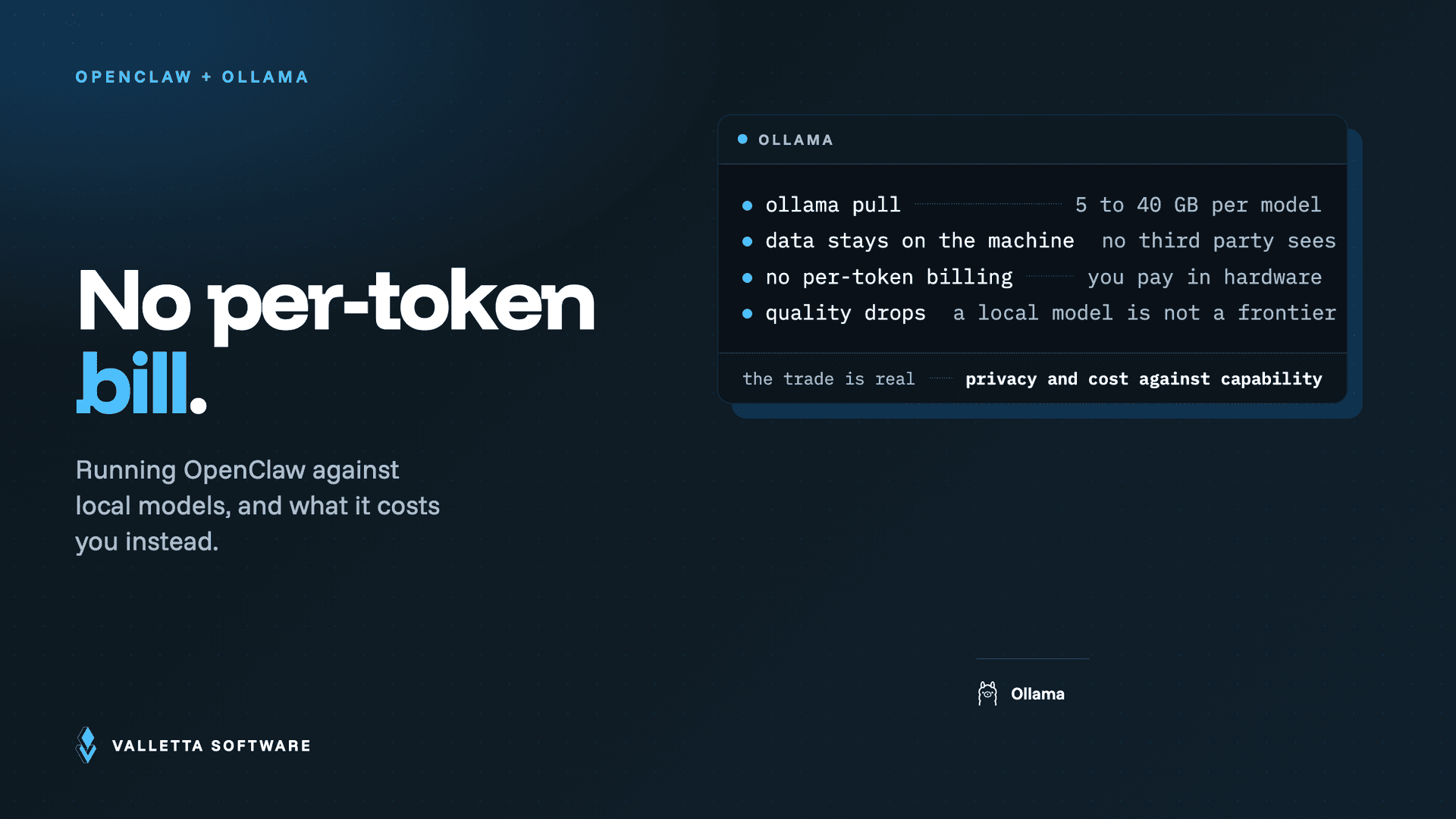

Yes, OpenClaw can run against local models, and the OpenClaw Ollama integration is how you do it. Instead of sending every request to a hosted API, you point the agent at models running on your own machine through Ollama. That buys you two things that matter for a self-hosted agent: your prompts and data never leave your hardware, and you stop paying per token. This guide explains why you would pair them, the hardware you actually need, how the integration is wired at the config level, and when a local model is the right call versus a frontier API model.
Key takeaways
- OpenClaw supports Ollama as a model provider, so the agent's reasoning can run entirely on local hardware.
- The two reasons to do it are privacy and cost: data stays on your machine, and there is no per-token bill.
- Hardware is the real constraint. Plan VRAM by model size: roughly 5 GB for 8B, 9 to 20 GB for 14 to 32B, and about 40 GB for 70B.
- Configuration is a provider block pointing at your Ollama host, with a raised context window for agent workloads.
- Local and frontier models are not either-or. A hybrid setup runs routine work locally and sends hard reasoning to an API.
Why pair OpenClaw with Ollama
OpenClaw is a self-hosted agent, so running it against a hosted API leaves one part of the stack off your hardware: the model. For some teams that is fine. For others it defeats the purpose. Ollama closes that gap by serving open-weight models locally through a simple HTTP endpoint, and OpenClaw can treat that endpoint as a model provider.
Two motivations dominate. The first is privacy and data control: with a local model, prompts, tool outputs, and any sensitive context stay on your machine and never transit a third-party API. The second is cost. A self-hosted agent runs heartbeats, reloads context, and holds long sessions, and with a hosted API each of those is billable. Local inference converts that recurring per-token cost into a fixed hardware cost. If your spend is the problem you are trying to solve, read our OpenClaw cost control guide first, because some of the biggest savings come from runtime settings before you even change models.
What you need: the hardware reality
Local models are free to call and not free to run. The binding constraint is memory, specifically GPU VRAM, and it scales with model size. Use these figures as planning guidance, then confirm against the exact model you choose.
| Model size | Approx. VRAM | Practical hardware |
|---|---|---|
| 8B | ~5 GB | Runs on most modern GPUs, and on Apple Silicon with unified memory |
| 14B to 32B | ~9 to 20 GB | Needs a dedicated GPU or a high-memory Apple Silicon machine |
| 70B | ~40 GB | High-end or multi-GPU hardware |
One lever changes every number in that table: quantization. Running a model at lower precision, such as a 4-bit quant, cuts its memory footprint substantially and can let a larger model fit on the same GPU, usually at a small quality cost. When a model looks just out of reach for your hardware, a smaller quant is often the difference between running it and not, so check the available quantized builds before you rule a model out.
Agent workloads add one more requirement on top of raw size: context window. OpenClaw loads system prompts, tool definitions, and session history on every turn, so a cramped context window degrades tool use fast. Plan for a context window of at least 32k tokens, and larger if your workflows are long. That extra context also consumes memory, so size the machine for the window you intend to run, not just the model weights. For the full range of deployment targets, from a Mac Mini to a cloud VPS, see our OpenClaw installation guide.
How the integration works
At a config level, wiring OpenClaw to Ollama is three moves: run the model in Ollama, register Ollama as a model provider in OpenClaw's configuration, and point the agent's default model at it.
- Pull and serve the model in Ollama. Download the model you want and start the Ollama service so it listens on its local endpoint, by default
http://127.0.0.1:11434. - Register the provider in OpenClaw's config. Add an Ollama provider block whose base URL points at that host, set a local API key value, and raise the context window for agent use. One detail from the official docs matters: use Ollama's native API rather than the OpenAI-compatible
/v1path, because tool calling is more reliable on the native path. - Select the model. Set the agent's primary model to your Ollama model, then run a quick inference check to confirm the gateway can reach it.
Config keys and defaults do move between releases, so treat the above as the shape of the integration and confirm the exact field names against the current official OpenClaw Ollama documentation for your version. Once the provider is registered, OpenClaw uses the local model exactly as it would a hosted one, including tool calls and skills.
Model selection trade-offs
The honest trade-off is quality against control. Frontier API models still lead on complex, multi-step agent reasoning, and small local models can struggle when a task requires many chained tool calls. But that gap is narrowing, and for a large share of real work a local model is more than enough.
- Small local models (around 8B): fast and cheap to run, good for routine automation, classification, and short replies. Weaker at long, chained reasoning.
- Mid and large local models (14B to 70B): noticeably better at multi-step tool use, at the cost of the hardware in the table above.
- Frontier API models: the strongest option for hard reasoning and reliability, but they carry the per-token cost and the data leaves your machine.
This is why a hybrid setup is often the pragmatic answer. Run local models for the high-frequency, low-stakes work such as heartbeats, routing, and private data handling, and route the genuinely hard reasoning to a frontier API. You keep most of the privacy and cost benefit while preserving a quality ceiling for the tasks that need it. When you do use an API, our OpenClaw 2026 architecture and security guide covers the runtime and security settings that keep a mixed deployment predictable.
Frequently asked questions
Can OpenClaw run fully offline?
The model reasoning can run fully offline when you use Ollama, because inference happens on your hardware. The agent as a whole is only as offline as the tools and channels you connect. Messaging channels such as WhatsApp or Telegram and any web-based tools still need network access. For a private, local-only workflow that reads files and reasons on your machine, a local model gets you there.
Which Ollama models work best with OpenClaw?
Favor models with strong, reliable tool calling and support for a large context window, since OpenClaw leans on both. In practice the mid-size and larger open-weight models handle multi-step agent tasks better than the smallest ones. There is no single best model, so test a couple against your own workflows and keep the one that completes your tool chains cleanly.
Is a local model cheaper than the Anthropic API?
It depends on volume. A local model has no per-token charge, but you pay up front for hardware and then for electricity, so it is cheaper at high, steady usage and can be more expensive at low usage than a pay-as-you-go API. Work out your real token volume first. Our OpenClaw cost control guide shows how to measure it and which runtime settings cut spend regardless of which model you run.