

Node.js for Projects: When It Works and When It Fails

Node.js has been the default backend choice for new B2B SaaS projects for so long that the question "should we use Node.js" is rarely asked anymore. That is a mistake. Node.js for projects is the right answer in many situations and the wrong answer in others. This piece walks through where Node.js shines, where it underperforms, and the architectural patterns that take a Node.js project from MVP to production-scale. If you want Node.js engineers who pick the right pattern for your workload, hire a Node.js team that thinks before it codes.
Key takeaways
- Node.js is excellent for I/O-bound workloads (APIs, real-time features, integration glue) and acceptable for most general-purpose backend work.
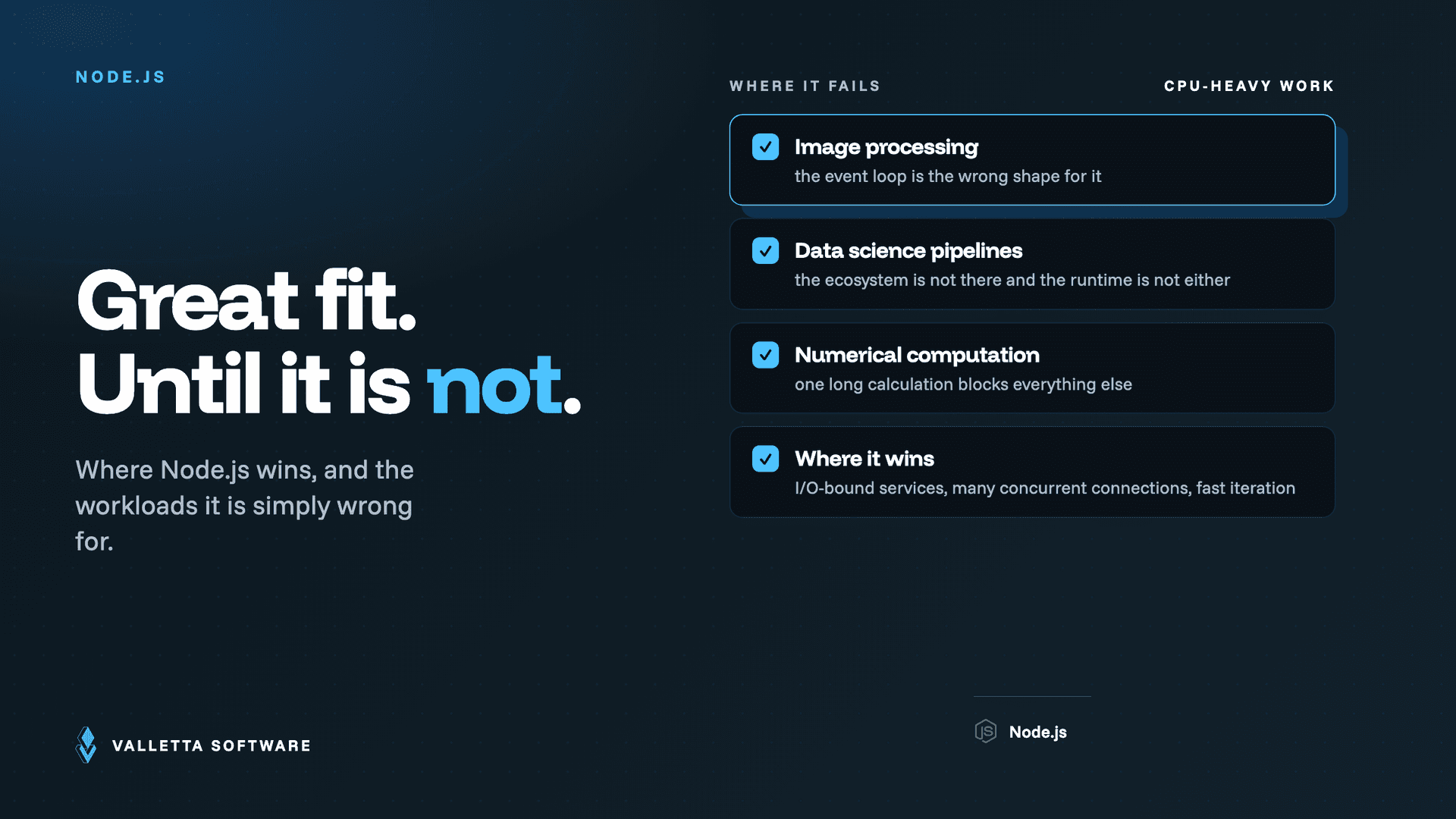
- Node.js is the wrong choice for CPU-heavy workloads like image processing, data science pipelines, or numerical computation.
- Single-language stacks pay off in hiring, code sharing, and operational simplicity. Node.js plus React or Next.js is a particularly strong combination.
- The ecosystem strength is also a liability. Dependency management discipline matters more in Node.js projects than in other ecosystems.
- Scaling a Node.js project past 100 services requires deliberate engineering; Node.js does not make it harder, but it does not make it easier either.
Where Node.js is genuinely the right choice
Node.js was designed around an event-driven, non-blocking I/O model. That makes it exceptionally good at workloads where the application spends most of its time waiting for external systems: database queries, HTTP calls to third-party APIs, file system operations, WebSocket connections.
The workloads where this matters most:
- REST and GraphQL APIs serving SaaS frontends. The combination of throughput, low memory footprint, and rich web ecosystem is hard to beat.
- Real-time features like chat, notifications, and live dashboards via WebSockets or Server-Sent Events.
- Integration backends that orchestrate calls across multiple third-party APIs (payment processors, CRM systems, communication providers).
- BFF (Backend for Frontend) layers that aggregate data for specific frontend views, especially in micro-frontend architectures.
Where Node.js is the wrong choice
Node.js's single-threaded event loop is its weakness for CPU-intensive work. Anything that blocks the event loop for more than tens of milliseconds degrades the responsiveness of every other request the server is handling.
Workloads to avoid in Node.js:
- Image, video, or audio processing. The synchronous parts of these libraries block the event loop. Use Python with appropriate libraries, or call out to dedicated services like ffmpeg.
- Numerical computation and data science workflows. The JavaScript ecosystem here is improving but still lags Python by years. Use Python or call out to specialized services.
- Heavy cryptography on the hot path. Acceptable for occasional operations, problematic at high volume. Consider Rust or Go for crypto-heavy workloads.
- ML model training. Inference is fine; training is not. Use Python.
The right pattern when these workloads exist in a Node.js project is to isolate them in separate services using more appropriate languages, with Node.js orchestrating and serving the user-facing API layer.
The Node.js + TypeScript decision
By 2026, the default for new Node.js projects of any size is TypeScript, not plain JavaScript. The cost of TypeScript adoption (build tooling, type definitions for third-party packages, learning curve for engineers new to it) has dropped sharply, while the benefits (refactoring safety, IDE support, fewer runtime errors) compound as the project grows.
The remaining cases where plain JavaScript is acceptable: small experimental scripts, throwaway prototypes, and codebases inherited from before 2020 where the migration cost is genuinely large. For any production project that will exist for more than a year, TypeScript wins.
Framework choices: what to pick in 2026
The Node.js framework landscape has converged usefully. For new projects:
- Express remains the default for projects that need a minimal HTTP framework with mature middleware. Still in heavy use; predictable behavior; small dependency footprint.
- Fastify for projects where raw HTTP throughput matters. Faster than Express by a meaningful margin for high-volume APIs.
- NestJS for larger projects that benefit from opinionated structure (modules, dependency injection, decorators). Good fit for teams coming from Java or .NET backgrounds.
- Next.js when the backend is tightly coupled to a React frontend, especially for SaaS dashboards and content-heavy products.
Frameworks to avoid for new projects: Hapi (declining maintenance), Sails (largely abandoned), Meteor (unmaintained), and any framework with fewer than 1,000 weekly downloads regardless of how good its docs are.
Dependency discipline: the under-discussed risk
The strength of the Node.js ecosystem is the sheer breadth of available packages. The weakness of the Node.js ecosystem is the same thing. A typical Node.js application drags in hundreds of transitive dependencies, each maintained by someone different, each able to ship breaking changes or security vulnerabilities.
Three disciplines that prevent the dependency explosion from becoming a liability:
- Lock files always, exact versions where reasonable. Use npm or pnpm with committed lock files. Run reproducible installs in CI.
- Automated dependency scanning with tools like Snyk or Dependabot. Weekly cadence is reasonable; daily is overkill for most projects.
- Periodic dependency audits. Quarterly review of direct dependencies. Drop anything unmaintained, downgrade anything with bloated transitive trees, upgrade major versions deliberately.
Scaling Node.js projects beyond startup size
The "Node.js does not scale" criticism was loud around 2018 and is mostly wrong. Node.js scales well into the high tens of services and hundreds of thousands of requests per second on commodity hardware. The patterns that produce that scale are not Node.js-specific, but they matter:
- Horizontal scaling with load balancers. Node.js is single-threaded per process; you scale by running many processes (cluster module or PM2) and many instances.
- Connection pooling for databases and HTTP clients. Default settings rarely match production needs.
- Aggressive caching at the right layers. Redis or Memcached for session and frequently-accessed data, in-process LRU for very hot reads.
- Async work via job queues (BullMQ, AWS SQS). Anything taking more than 200ms should move out of the request path.
- Observability from day one. Without distributed tracing, debugging a misbehaving Node.js service across processes is expensive.
For deeper takes on related topics, see our SaaS tech stack selection guide, our web development pillar, and our review of Vite and Bun.js. For authoritative references, see the official Node.js documentation and the OpenJS Foundation project page.
Frequently asked questions
Is Node.js still relevant in 2026?
Very. It remains one of the top three backend platforms for new SaaS projects, with no signs of decline. The ecosystem is mature, the runtime is performant, and the talent pool is large.
What about Bun and Deno?
Bun has gained meaningful production adoption, particularly for new projects sensitive to startup time and HTTP throughput. Deno remains a smaller community with strong design choices but slower ecosystem growth. For new projects in 2026, Bun is a credible alternative to Node.js for compatible workloads.
Is Node.js secure enough for fintech?
Yes, with the same care any backend platform requires. Node.js itself is not the bottleneck; dependency hygiene, secret management, and authentication patterns are. We have delivered SOC 2 Type II and PCI DSS-compliant systems on Node.js stacks.
How does Node.js compare to Go for backend APIs?
Go is faster for raw HTTP throughput and uses less memory per request. Node.js has a larger ecosystem and supports faster development for typical SaaS APIs. For most B2B SaaS workloads, the difference is not the deciding factor; team familiarity is. For high-throughput infrastructure or systems programming, Go has the edge.
Should a startup pick Node.js for its first MVP?
If the team has Node.js experience and the workload is mostly I/O bound (which most SaaS MVPs are), yes. The combination of fast development speed, easy hiring, and shared language with the frontend (when using React or Next.js) is hard to beat in the first 12 to 18 months.
Frequently asked questions
- Is Node.js still the right backend choice in 2026?
- For I/O-heavy SaaS, real-time apps, and API gateways, yes. For CPU-heavy or low-latency systems where Bun.js or Go fits better, no. The right answer depends on workload type.
- What is Node.js bad at?
- CPU-bound tasks, computationally expensive ML inference in-process, and large memory workloads. Node single-thread model still bites on these in 2026 unless you architect around it.
- Should I use Node.js or Python for a new backend?
- Node.js if you also write a lot of TypeScript on the frontend (shared types win). Python if your stack is data-science or ML-heavy. Both are production-ready.
- When does a Node.js codebase become unmaintainable?
- When type discipline slips, when ad-hoc async patterns are mixed across the codebase, and when there is no clear module ownership. TypeScript helps; it does not solve the structural issues.
- What is the recommended Node.js architecture for production SaaS?
- Clear API boundary, TypeScript end-to-end, dependency injection where it pays, structured logging from day one, and observability hooks before the first customer.
Hire a Node.js Team With Architecture Discipline
Valletta Software ships Node.js backends with type discipline, observability, and the architectural judgement to know when Node.js is wrong. EU senior engineers.